Symmetrical Board Disasters
Learning the hard way that visual symmetry in KiCad does not equal electrical physics.
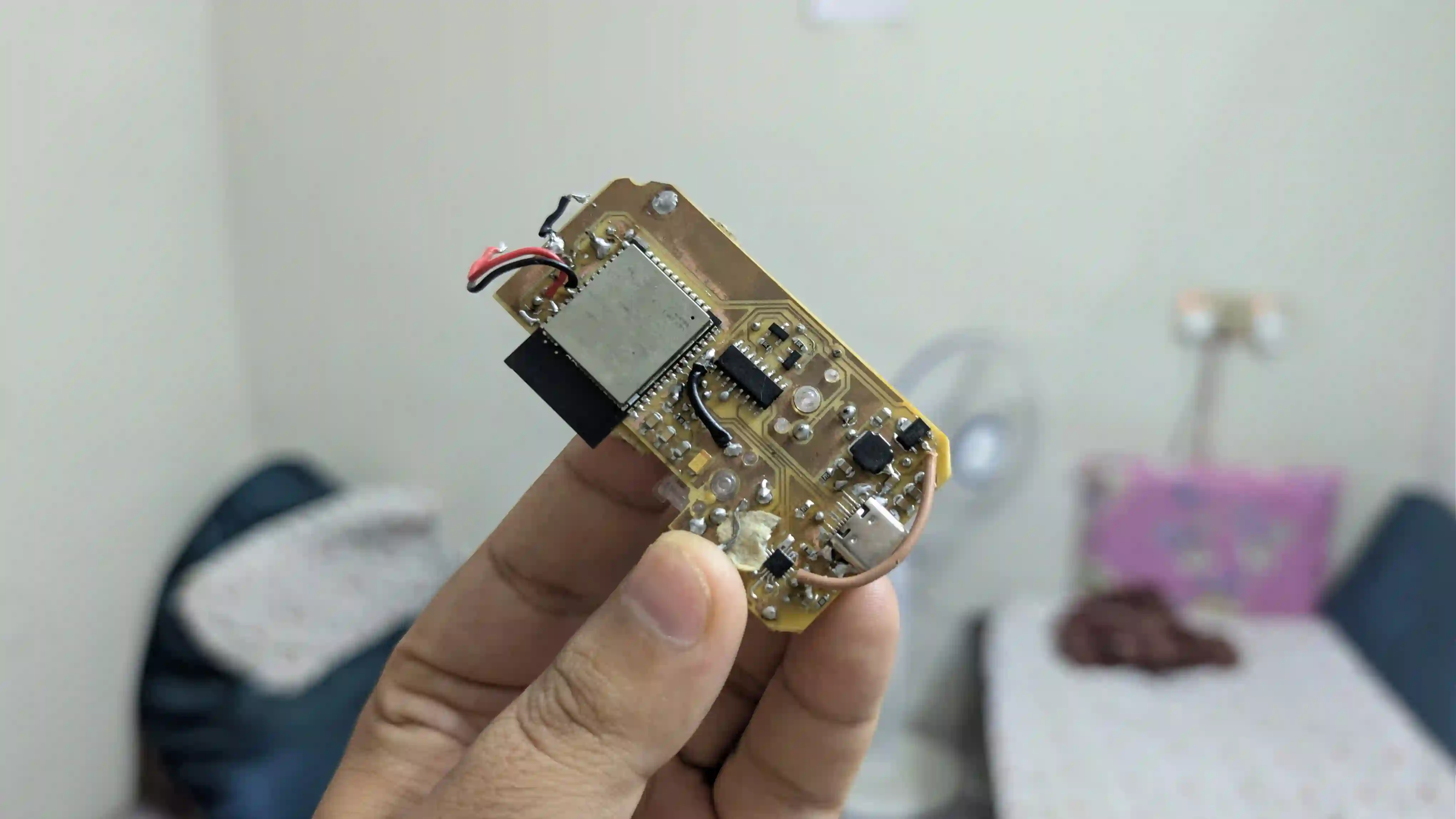
As a mechanical product designer, my brain naturally defaults to visual harmony, structural balance, and evening out empty spatial clearances in CAD. When I transitioned into designing the PCB layout for Click, our open source tactile fidget companion, I carried those mechanical biases directly into KiCad.
It did not go as planned. Here is how playing Floppy Bird on our V2 prototype highlighted the critical gap between visual symmetry and electrical physics.
The V1 Symmetrical Layout Trap
In my first PCB iteration, I was obsessed with how the space was distributed on the board. I placed the ETA battery charger IC, but to make the layout look neat and even out the empty space, I routed the crucial switching inductor and the filtering capacitors relatively far away from it. To make matters worse, I used traces that were far too thin for high-current power delivery paths.
Any experienced electrical engineer is probably shaking their head right now. High-frequency switching nodes require tight, low-impedance loops to control noise and maintain voltage stability. Moving those components away meant my thin copper traces carried high switching currents, leading to line noise, voltage drops, and system instability.
The V2 Strategy: Grouping, Copper, and Chamfers
For our second prototype revision, I threw out my aesthetic assumptions and designed strictly by the rules of the silicon datasheets:
- Tight Component Grouping: I placed the switching inductor and filtering capacitors directly adjacent to the ETA IC pins to minimize the loop area.
- Beefier Power Rails: I thickened all the high-current copper tracks to minimize impedance.
- Ambient Design Language: I added a dedicated status LED, intending to pair it with a light diffuser inside the physical enclosure for a clean, diffused status glow.
- The Corner Chamfer USB: I mounted the USB-C port directly on a 45-degree chamfered corner of the board to make the PCB footprint stand out.
I also had to manually jump wire a physical slide switch directly inline with the battery terminal because I forgot to include it in the schematic.
The Agile Reality Check: Ergonomics vs. Functionality
The V2 hardware works. The custom C++ Floppy Bird applet, which runs on a completely non-blocking millis loop and uses ESP32 Preferences to persist high scores to non-volatile memory, runs flawlessly on the display.
But the user experience tells a completely different story. Plugging a rigid USB-C cable into a 45-degree chamfered corner completely ruins the ergonomics of the clicker. It makes the device incredibly awkward to hold, manipulate, or click while charging because the cable jams directly into the meat of your hand.
I fell into a classic design trap: I prioritized theoretical schematic symmetry over physical, human-centric ergonomics.
The Road to V3
Click remains an agile project, and this experience served as the perfect set of real-world specifications. I need to shrink the board significantly to make it truly pocketable, relocate the USB-C port to a standard flat edge, and integrate our hardware kill switch directly onto the PCB from the start.
Related posts
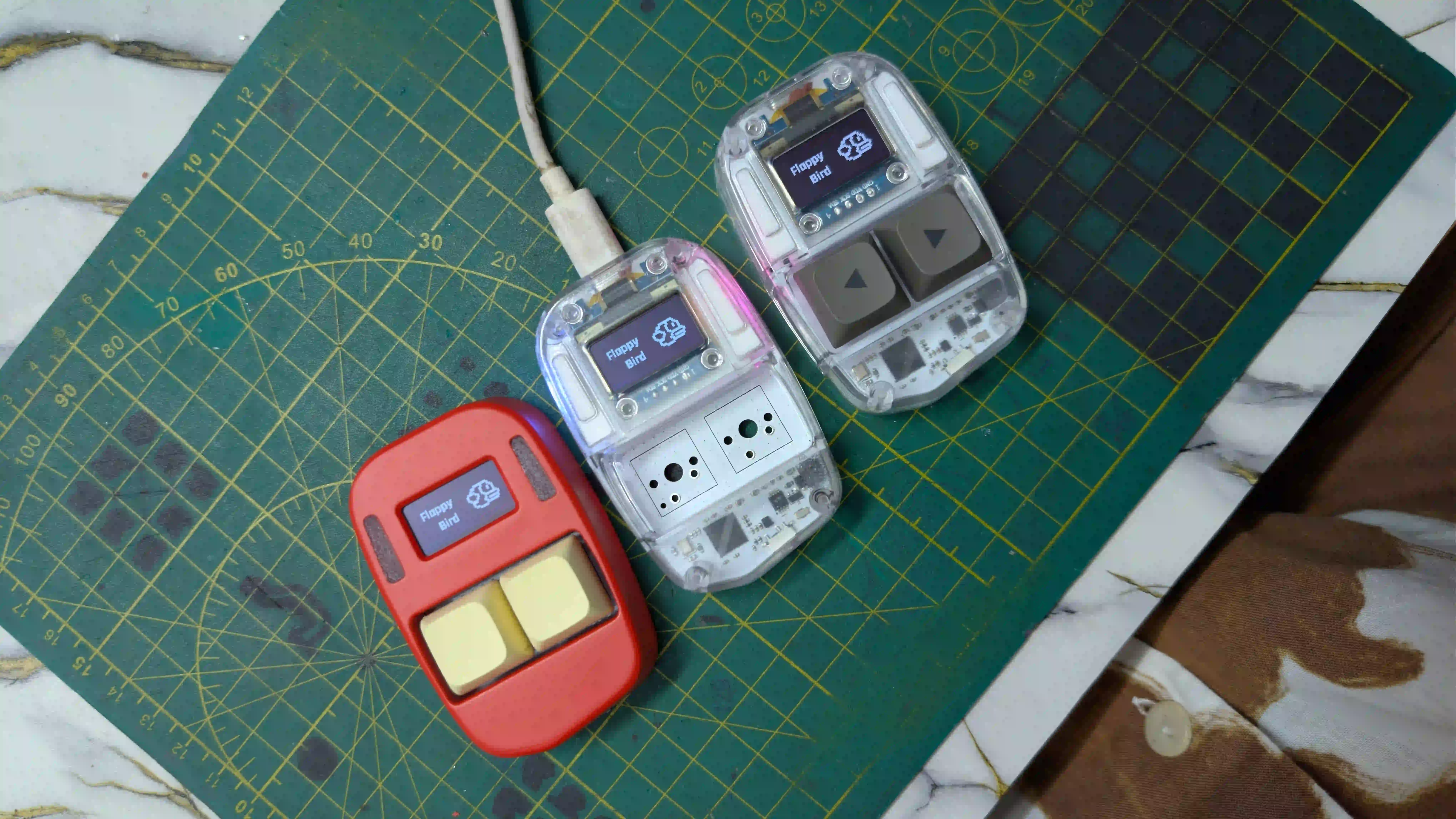
Assembling Click V4
3 Units, 1 Battery Problem, and Handing the Code Over to the Experts.
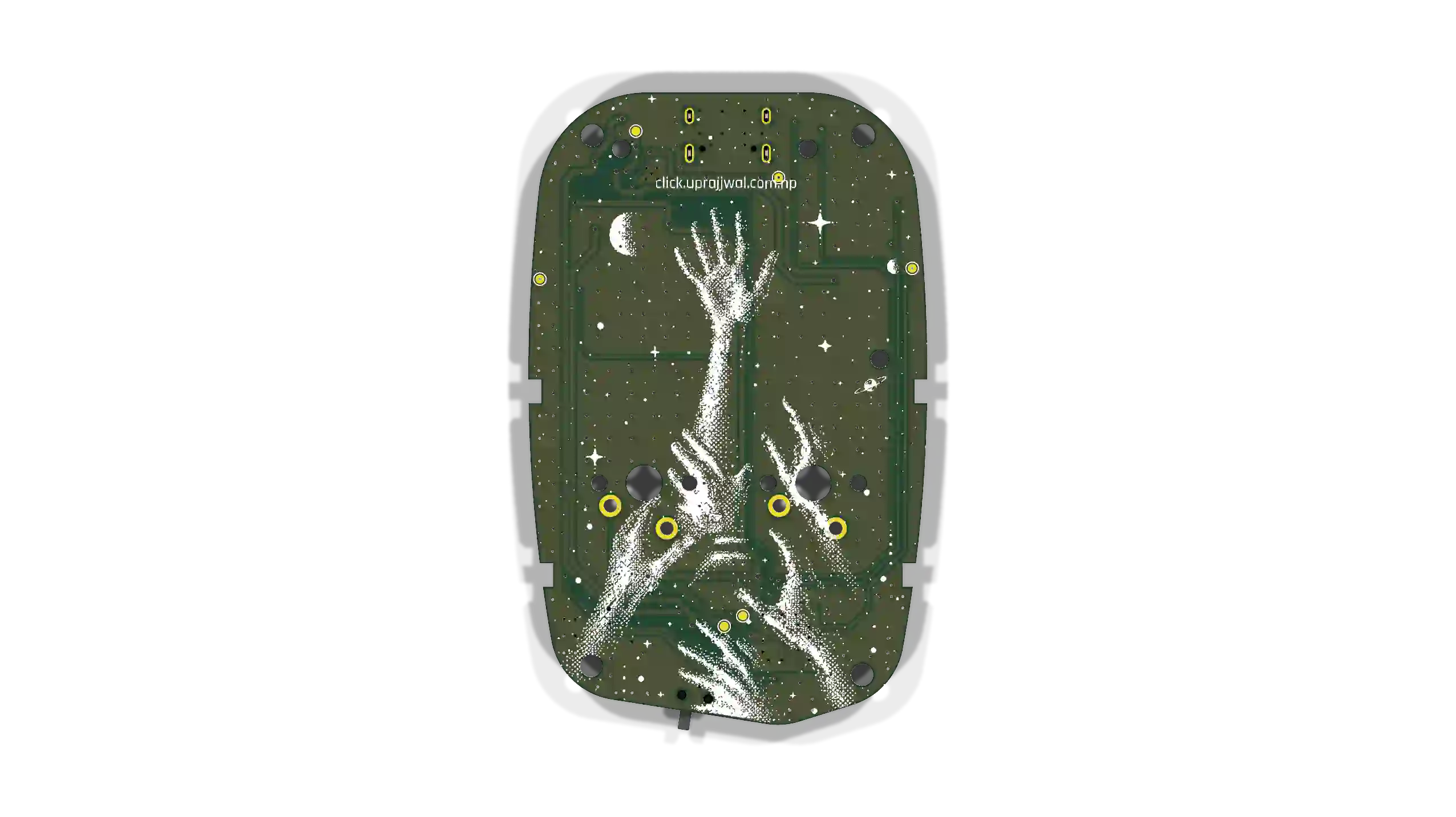
Preparing for the RP2354A
Firmware roadmap for the RP2354A board arriving tomorrow. Remapping QFN-56 pins, non-blocking state loops, 64-bit hardware IDs, and I2C sleep recovery.

Click's Identity & the Global Leaderboard
How I connected Click's hardware identity, browser-based personalization, and a zero-cost (for now) global leaderboard.