Preparing for the RP2354A
Firmware roadmap for the RP2354A board arriving tomorrow. Remapping QFN-56 pins, non-blocking state loops, 64-bit hardware IDs, and I2C sleep recovery.
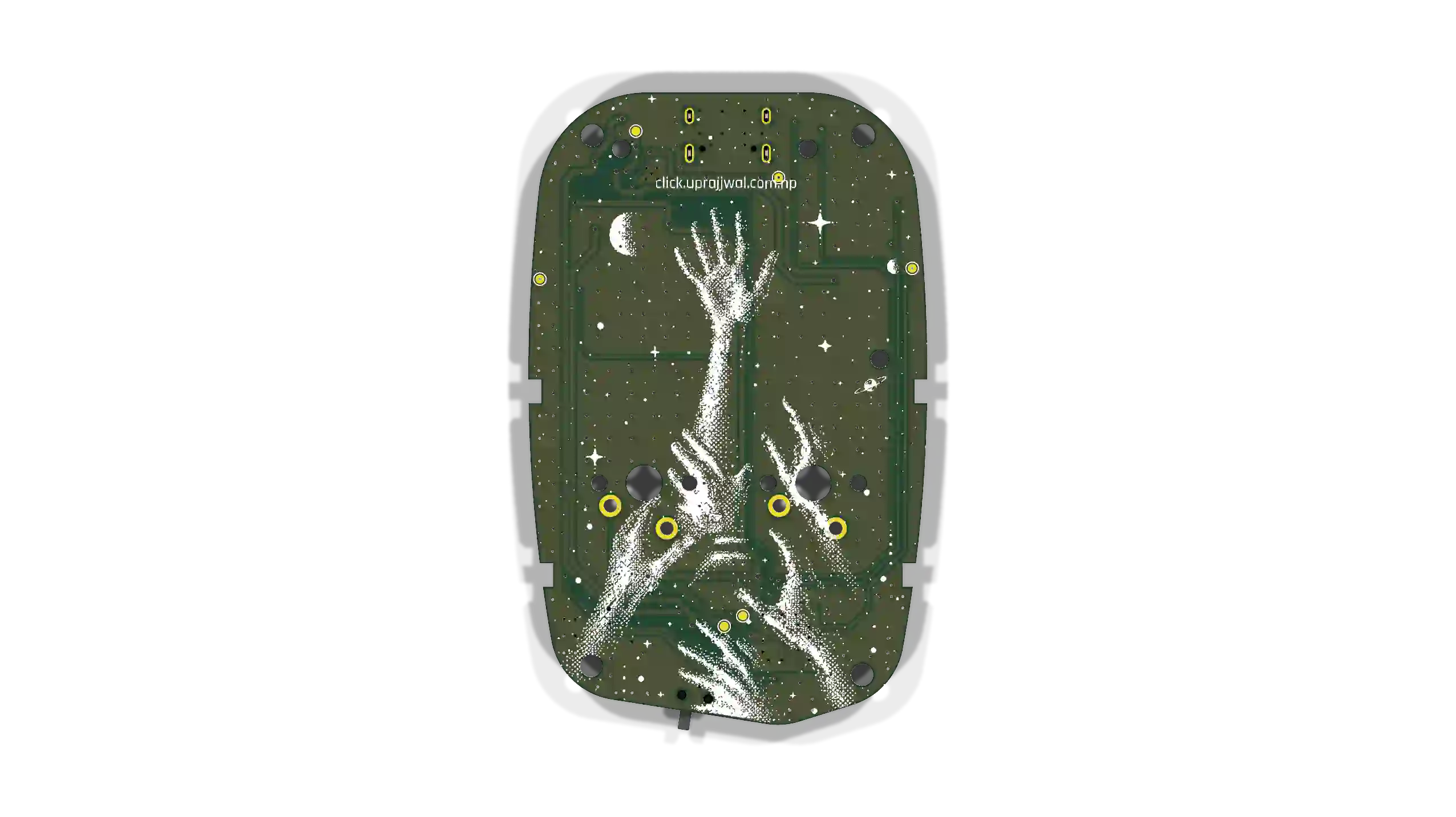
Tomorrow, the new RP2354A circuit boards will arrive. This milestone changes Project Click from a hand-soldered ESP32 prototype into a factory-made hardware product.
As a mechanical designer, I use AI tools to write all C++ firmware code. I do not wait for physical hardware to arrive before I plan the software. If you wait for hardware, you lose time when you debug pin errors and display problems.
This article shows my plan to update the C++ firmware for the RP2354A board.
1. Pin Mapping for the RP2354A Microcontroller
We will move from the ESP32-WROOM processor to the RP2354A processor in the QFN-56 package. The RP2354A processor has 30 GPIO pins and 2MB of flash memory inside the chip. This reduces the total number of parts on the circuit board.
We will set these fixed pin connections in the code:
- Pins GP20 and GP21: Control the I2C0 bus for the screen and real-time clock.
- Pin GP14: Connects to the MODE button.
- Pin GP2: Connects to the ACTION button.
- Pin GP29: Connects to the battery voltage sensor (ADC3).
- Pin GP3: Connects to the charger status line.
- Pins GP11 and GP12: Control the RGB LEDs.
- Pin GP27: Drives the sound buzzer through a transistor.
- Pin GP4: Connects to the screen reset line.
2. Code Structure for the Earle Philhower Core
We will use the Earle Philhower Arduino core for the RP2354A processor. We will replace ESP32 code with native Pico SDK functions.
The firmware will use a non-blocking loop structure. The code will not use the delay() function. All timing functions will use the millis() function. For example, when a user pushes a button, the buzzer makes a sound for 15 milliseconds at 4000 Hertz. The code stops the sound automatically without stopping the main loop.
3. Device Identification and Low Power Modes
The ESP32 processor uses a MAC address to identify the device. The RP2354A processor uses a 64-bit flash memory ID. We will use the pico_get_unique_board_id() function to get this identification number. Users can connect the device to a web browser, enter a custom name, and save the name to memory.
During light sleep mode, the system will draw approximately 1.5 milliamperes. To prevent electric current leakage, the code will set the I2C pins to INPUT_PULLUP. When the system wakes up, the code will send 9 clock pulses on the SCL line. This clears stuck I2C lines and prevents display freeze.
4. Test Plan for Tomorrow
When the boards arrive tomorrow, we will execute these test steps:
- Connect the RP2354A board to a computer with a USB-C cable.
- Check the native bootloader interface.
- Load the C++ firmware code into the chip memory.
- Test the screen reset sequence and the battery voltage sensor.
- Test the sound buzzer and the RGB LEDs.
Related posts
Assembling Click V4
3 Units, 1 Battery Problem, and Handing the Code Over to the Experts.
Click's Identity & the Global Leaderboard
How I connected Click's hardware identity, browser-based personalization, and a zero-cost (for now) global leaderboard.
From Handmade Prototype to Factory-Ready Silicon
Evolving from a hand-built ESP32 prototype into a compact, factory-ready RP2354A-based device, with a redesigned PCB, power system, and hardware architecture.