Redesigning for the Hand
Putting down the IDE to test physical shapes, fix ergonomics, and plan the V4 hardware overhaul.
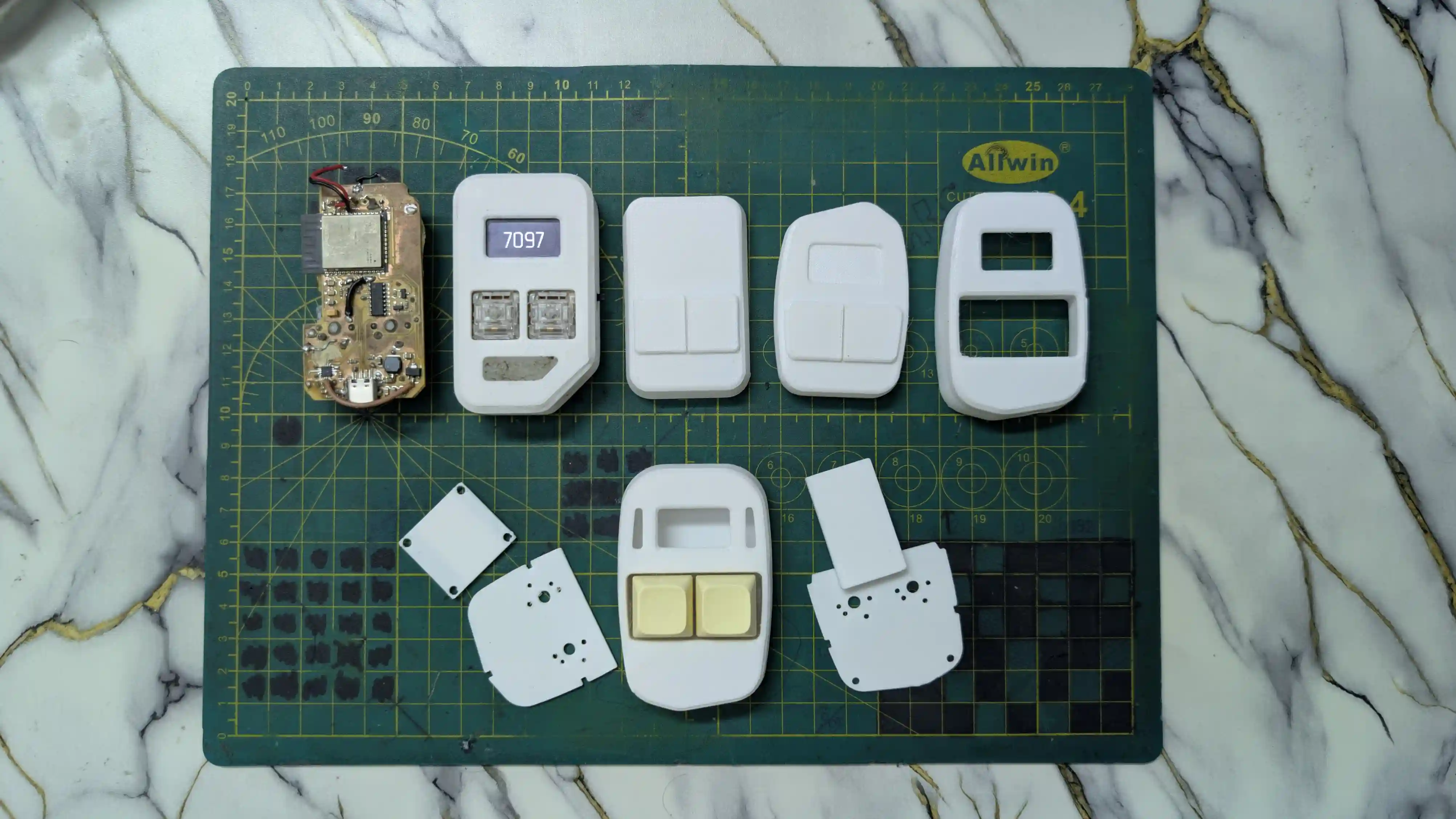
In the world of agile hardware development, it is incredibly easy to fall down a rabbit hole. For the past few weeks, I have been heavily playing the role of a firmware developer. As a mechanical engineer by trade, relying 100% on prompt-based AI to write C++ state machines for my focus companion felt like magic. I successfully debugged our light sleep registers, slashed standby current to 1.5mA, and ported a functional Floppy Bird applet to our 1-bit OLED screen.
But when I put the V2 prototype on the bench, plugged in the charging cable, and actually tried to use it, the illusion shattered. Ergonomically, it was a mess.
Resetting in the Comfort Zone
I decided to step back from firmware prompting and return to my absolute comfort zone: physical product design. To shake off the routing clutter, I started gathering physical design inspirations and translating them into CAD profiles.
I did not trust the 3D render viewport on my screen. Instead, I exported and 3D-printed multiple solid, unpopulated plastic form blocks with varying edge fillets, thicknesses, and curves. Holding these blank blocks in my hand allowed me to iteratively carve out the most natural, pocketable form factor.
Locking Down the V4 Mechanical Specs
With the physical shell settled, I integrated three crucial mechanical and aesthetic upgrades:
- Modular Mechanical Keys: The highly tactile click of mechanical switches is the defining character of Click. To embrace this, I designed the key caps and switches to be modular and hot-swappable. If a user wants to change their switch weight or custom-mold a new keycap, they can pop them out cleanly without opening the shell.
- Top-Mounted Symmetrical Diffusers: In the first version, our charging status LED indicator bled light out of the bottom of the device. For V4, I relocated the light diffuser to the top of the chassis, splitting it symmetrically into two elegant light pipes on either side of the OLED screen. This creates a refined, intentional design language that elevates Click from a raw hobby kit to a premium desk companion.
- The Clean DXF Export: I extracted the locked-in internal cavity dimensions as a master PCB DXF file to act as our unyielding mechanical boundary in KiCad.
The Road Ahead: The Great PCB Overhaul
Our new mechanical boundary means the electronics have to shrink to their absolute minimum limits. To achieve this, I am officially preparing to tear down our old, oversized ESP32 circuit and rebuild the core architecture around the newer Raspberry Pi RP2354A microcontroller.
The RP2354A co-packages 2MB of internal QSPI flash memory co-packaged directly inside the silicon. This allows us to completely delete the external Winbond flash chip, its decoupling capacitor, and all six high-frequency QSPI routing lines, saving massive physical space.
I am also swapping our old regulator layout for the SOT-23-5 package of the AP2112K-3.3 LDO. Instead of cutting the battery positive terminal, I am routing our physical slide switch to the LDO’s Enable pin. This electronic switch setup cuts off the 3.3V rail entirely with zero standby battery leak, but keeps the battery connected to our ETA charger IC, allowing us to charge the device while it is turned completely off.
Finally, we are consolidating our decoupling capacitor bank from 11 down to 5 capacitors. This will free up the PCB space needed to center the MCU and maintain beautiful visual clearances.
Related posts
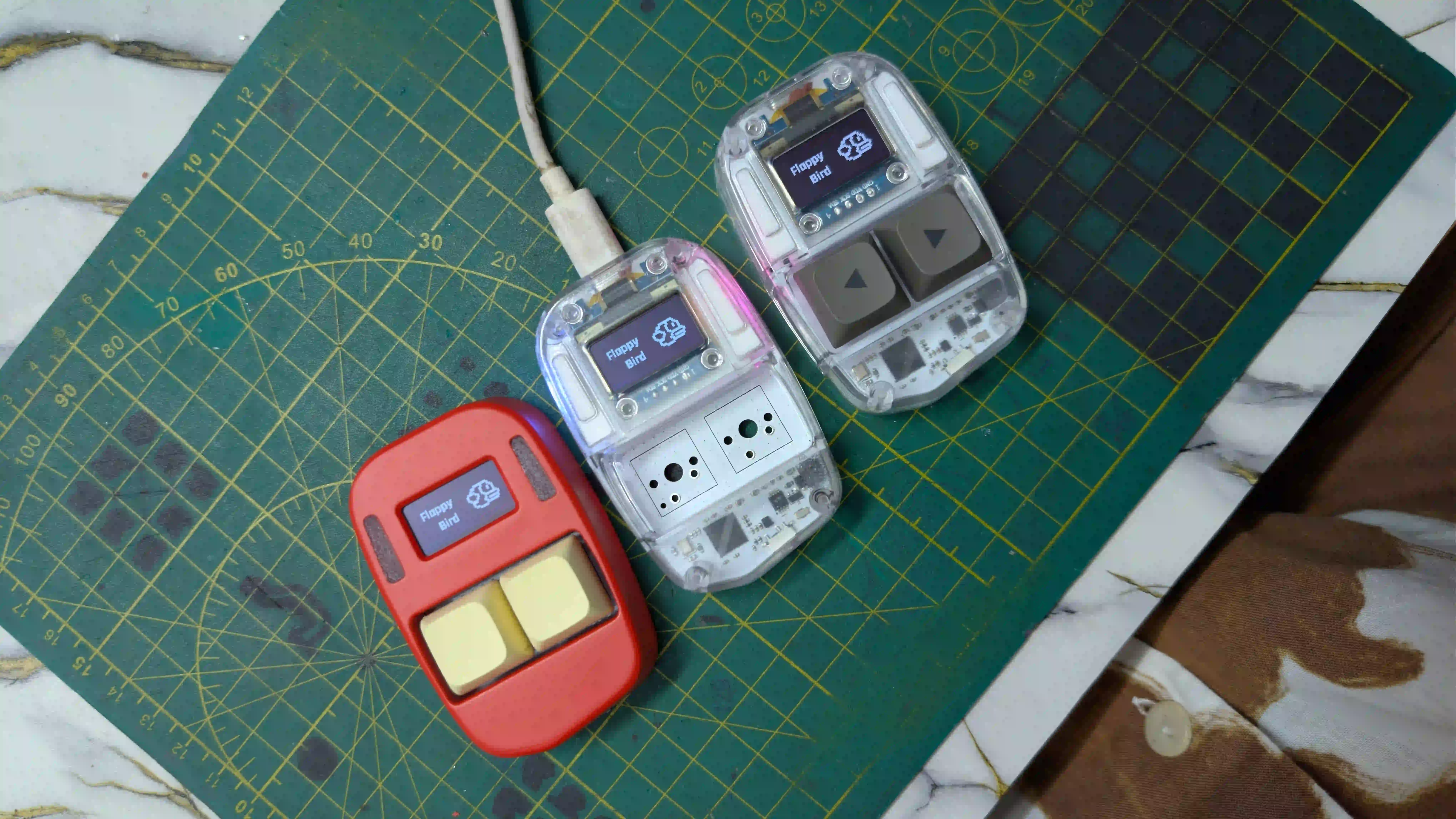
Assembling Click V4
3 Units, 1 Battery Problem, and Handing the Code Over to the Experts.
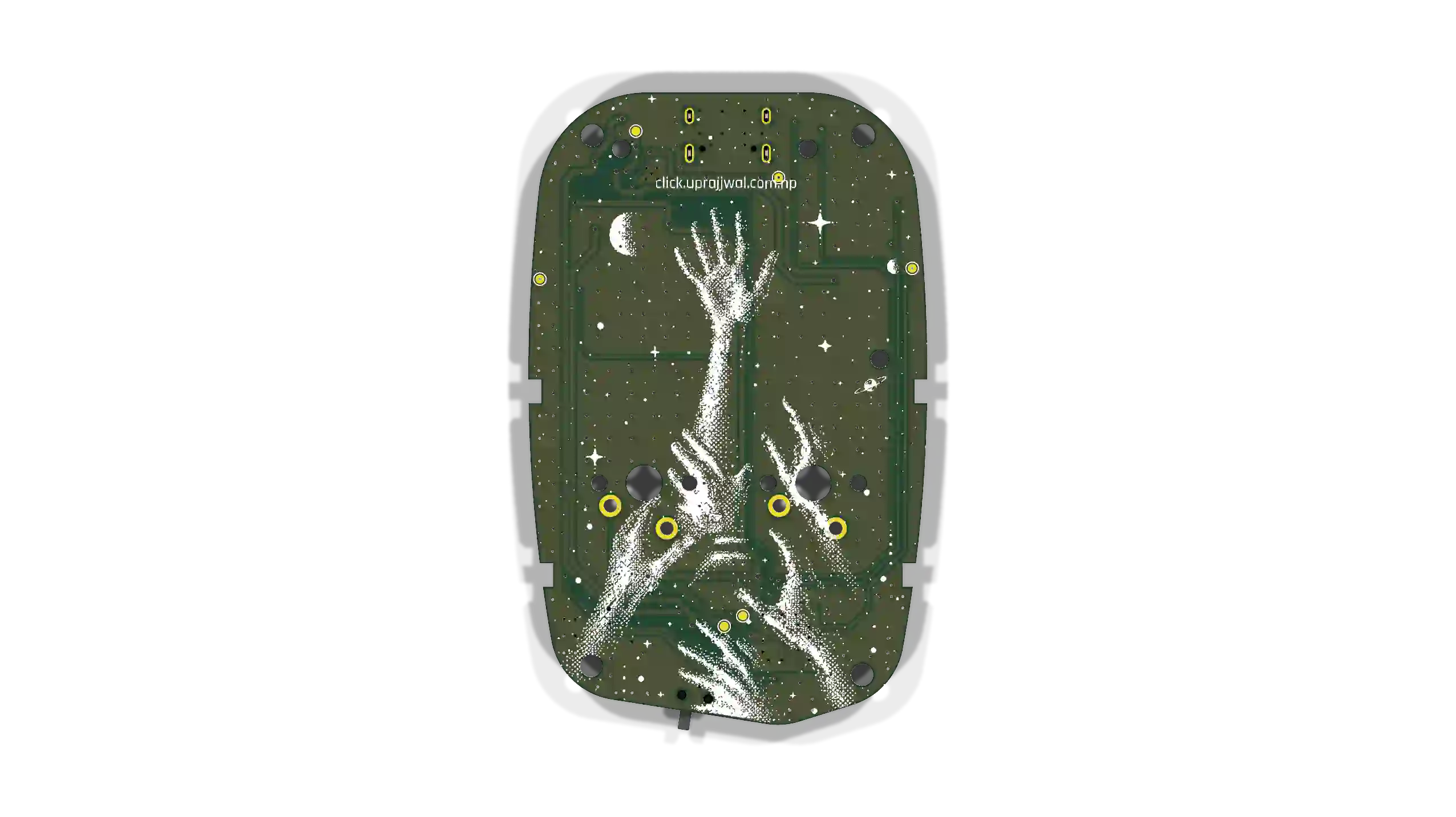
Preparing for the RP2354A
Firmware roadmap for the RP2354A board arriving tomorrow. Remapping QFN-56 pins, non-blocking state loops, 64-bit hardware IDs, and I2C sleep recovery.

Click's Identity & the Global Leaderboard
How I connected Click's hardware identity, browser-based personalization, and a zero-cost (for now) global leaderboard.