Building Sisyphus in 1-Bit
How I turned Click's simple counter into a tiny Sisyphus animation with physics, layered graphics, and persistent click tracking.
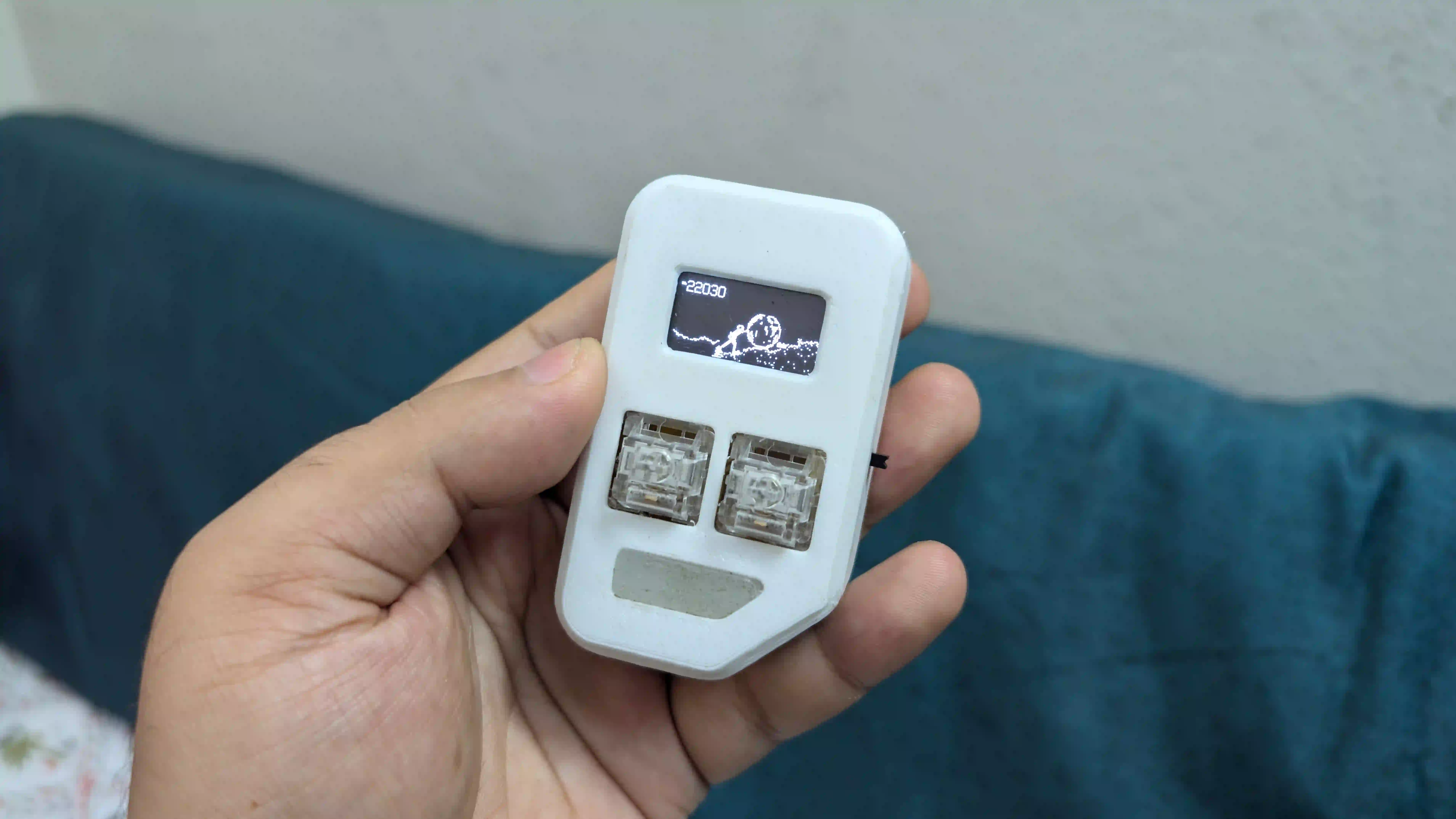
When I first built Click, pressing the button simply increased a number on the OLED. It proved that the hardware and button input were working, but it wasn’t very interesting to look at.
I wanted each click to have a physical representation, so I replaced the counter with Sisyphus pushing a boulder up a mountain.
The basic interaction is simple. I press the button, Sisyphus pushes the boulder and the click count increases. When I stop pressing, he stops and rests.
Building Animation on a 128x64 OLED
The display is only 128x64 pixels and every pixel is either on or off. There is no grayscale or color to work with, so even simple animations require careful use of the available pixels.
I used AI prompts to help structure the firmware as a non-blocking state machine, allowing different parts of the animation to run independently without interrupting button input.
The scene is split into separate layers. Clouds move in the background, Sisyphus has an 8-frame walking cycle, and the boulder has its own rolling animation.
Making the Boulder React
I wanted the boulder to feel connected to the physical button rather than just playing a fixed animation.
Its rotation speed changes based on how quickly I press the button, reaching up to 25 FPS. The animation and button handling run without blocking the main firmware loop, allowing the boulder to respond immediately to each press.
Push, Count, Rest
The most important part of the interaction is the relationship between the button and the character.
Every press moves Sisyphus forward and increments the counter. As long as I keep pressing, he keeps pushing. When I stop, the pushing stops and Sisyphus rests.
It’s a very simple interaction, but seeing the character physically respond to each click makes the counter feel much less abstract.
Keeping the Full Click Count
I also wanted to keep the exact number of clicks visible.
Instead of switching to abbreviated numbers such as 10K or 1M, I optimized the font layout so Click can display full numbers with commas, such as 10,000 or 25,480, alongside the animation without overflowing the screen.
Saving the Progress
The click count needs to survive power loss and battery discharge, so I store it in non-volatile memory using two backup pa
Related posts
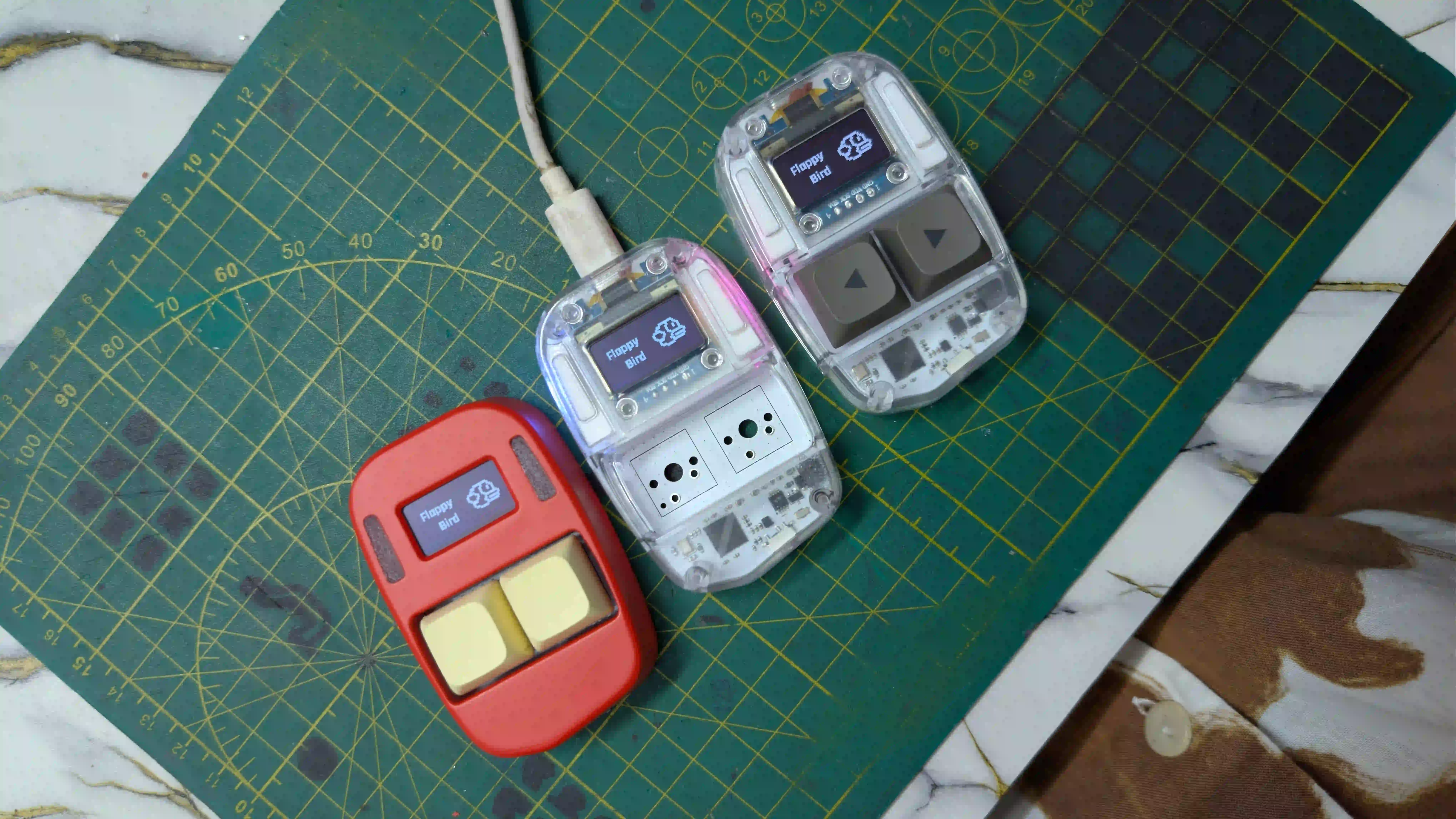
Assembling Click V4
3 Units, 1 Battery Problem, and Handing the Code Over to the Experts.
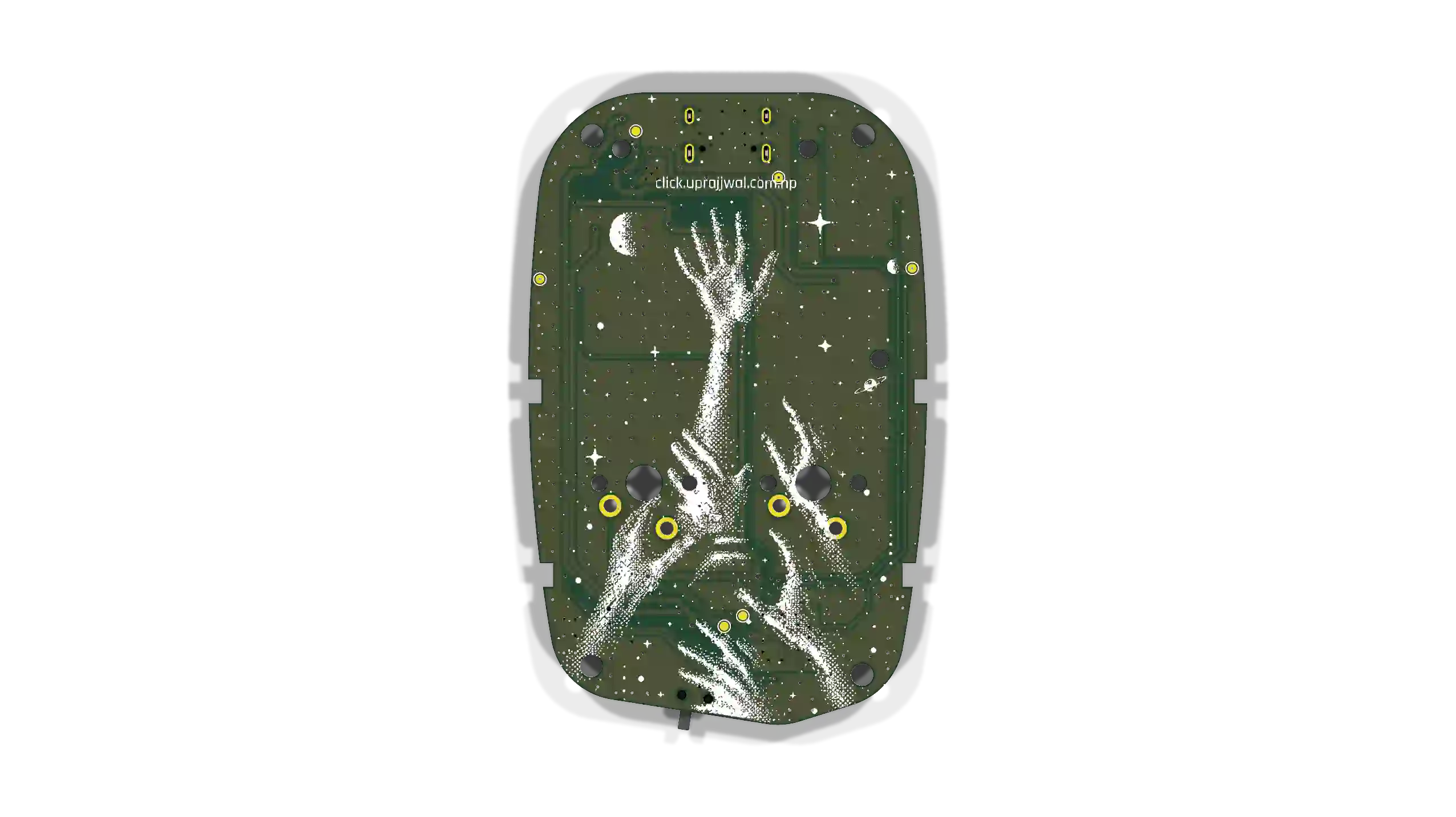
Preparing for the RP2354A
Firmware roadmap for the RP2354A board arriving tomorrow. Remapping QFN-56 pins, non-blocking state loops, 64-bit hardware IDs, and I2C sleep recovery.

Click's Identity & the Global Leaderboard
How I connected Click's hardware identity, browser-based personalization, and a zero-cost (for now) global leaderboard.